Feinmotorik
Nachspuren, Labyrinthe und Punkt-zu-Punkt stärken die kleinen Handmuskeln, die Kinder zum Halten eines Stifts brauchen.
Beschreibe jede Idee, vom Namen bis zu Dinosauriern oder dem Weltall. Drucke sie in Sekunden. Kostenlos zum Ausprobieren.
Beschreiben. Drucken. Fertig.

Kostenlos laden · Kein Konto nötig
Jede Seite ist gemacht, damit dein Kind wächst, nicht nur beschäftigt ist.
Nachspuren, Labyrinthe und Punkt-zu-Punkt stärken die kleinen Handmuskeln, die Kinder zum Halten eines Stifts brauchen.
Buchstaben und den Namen nachspuren baut echte Handschrift auf, ein sicherer Strich nach dem anderen.
Zum Lieblingsthema deines Kindes, wie Dinosaurier, Lastwagen und Weltall, damit Üben sich wie Spielen anfühlt.
Auf Alter und Interessen abgestimmt, damit es sich wirklich gern hinsetzt.
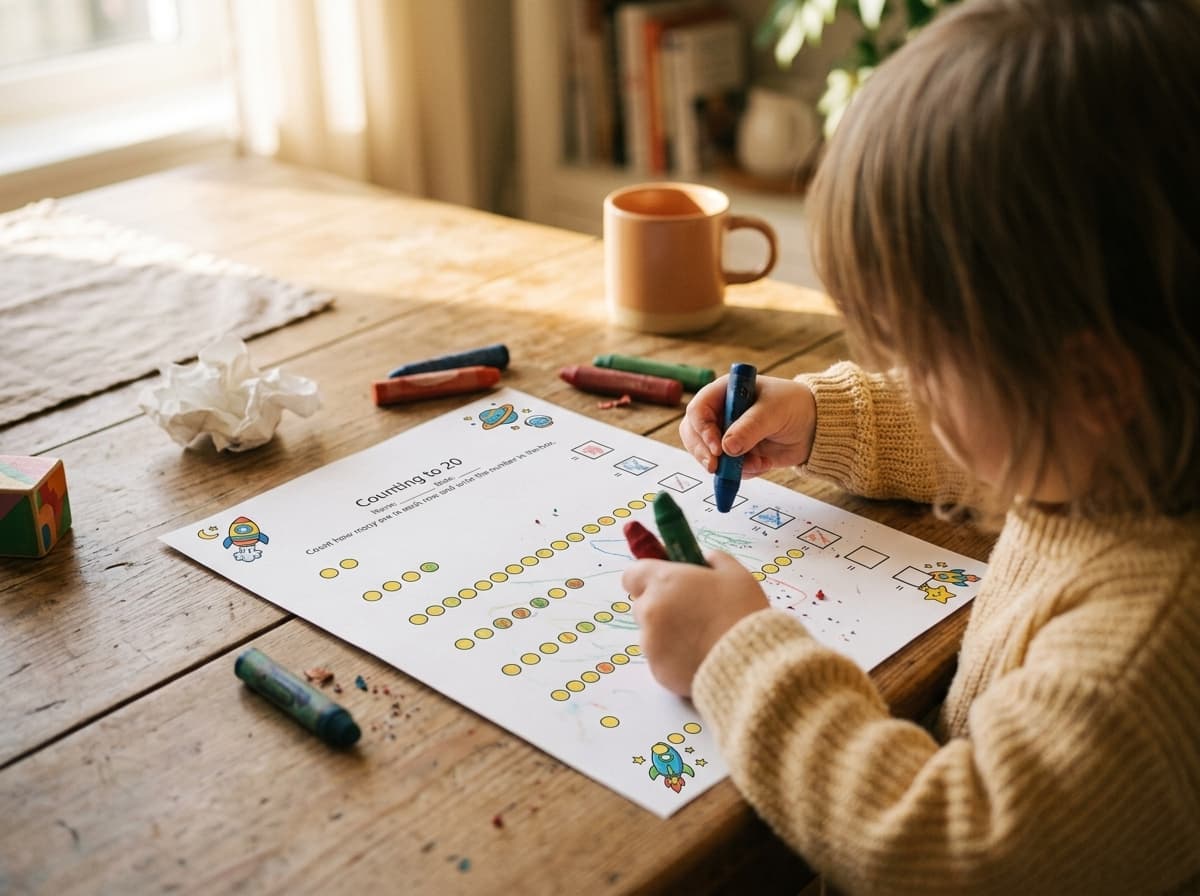
These are pages kids actually sit down with, crayons out, at the kitchen table. Describe what your child loves, print it, and it goes straight onto paper they want to work on.
Keine Einrichtung, kein Konto, keine Lernkurve.
~30 Sekunden, von Anfang bis EndeTippe eine Idee in einer Zeile wie „Namen von Mia nachspuren“ oder „Dinosaurier bis 5 zählen“, oder tippe einen Vorschlag an.
Ein Tipp. Worksheet Bird macht daraus eine saubere Schwarz-Weiß-Seite in der richtigen Größe für kleine Hände.
Zu Hause drucken und übergeben. Von der Idee zum Papier in unter 30 Sekunden, mit einer Hand.
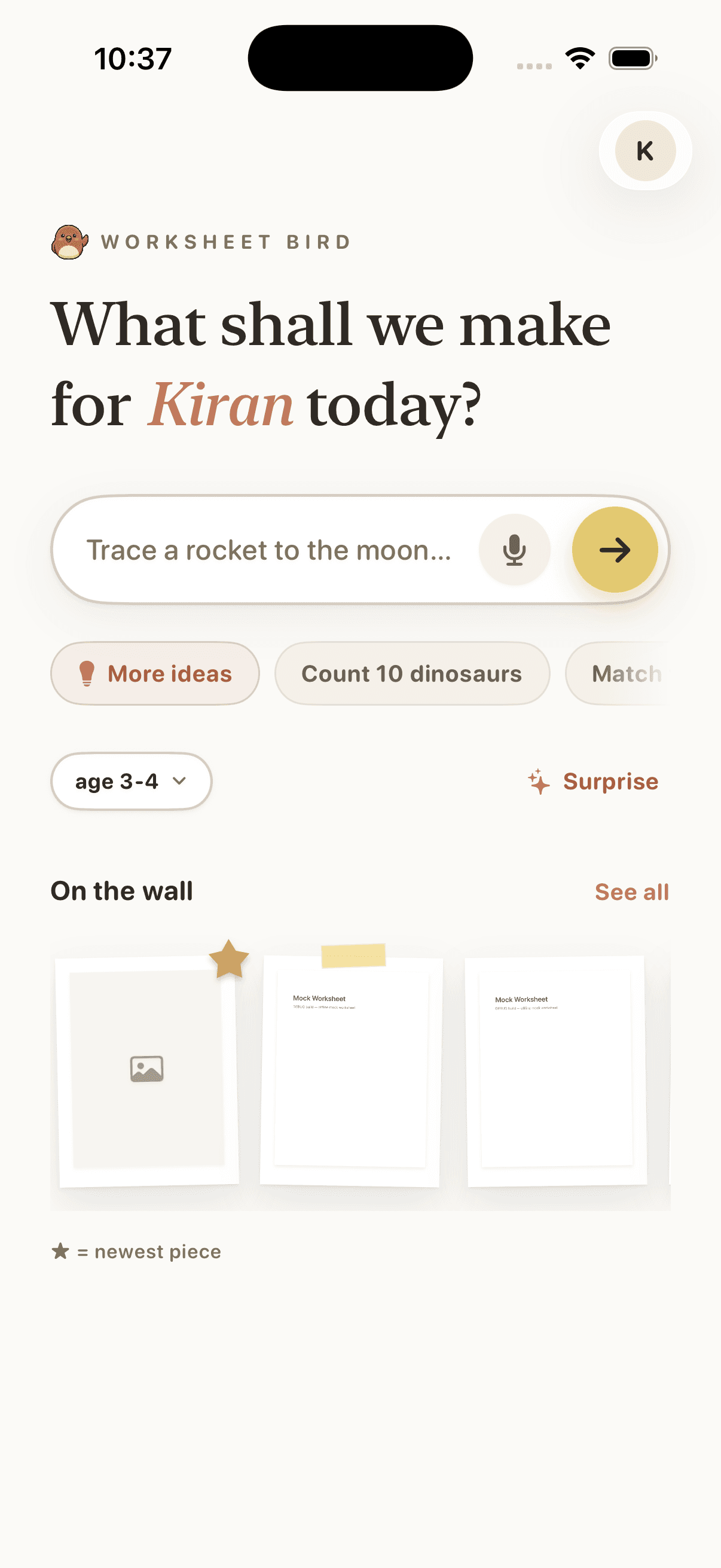
Type a one-line idea, or tap a suggestion, and Worksheet Bird builds the page. The home screen is the whole interface.
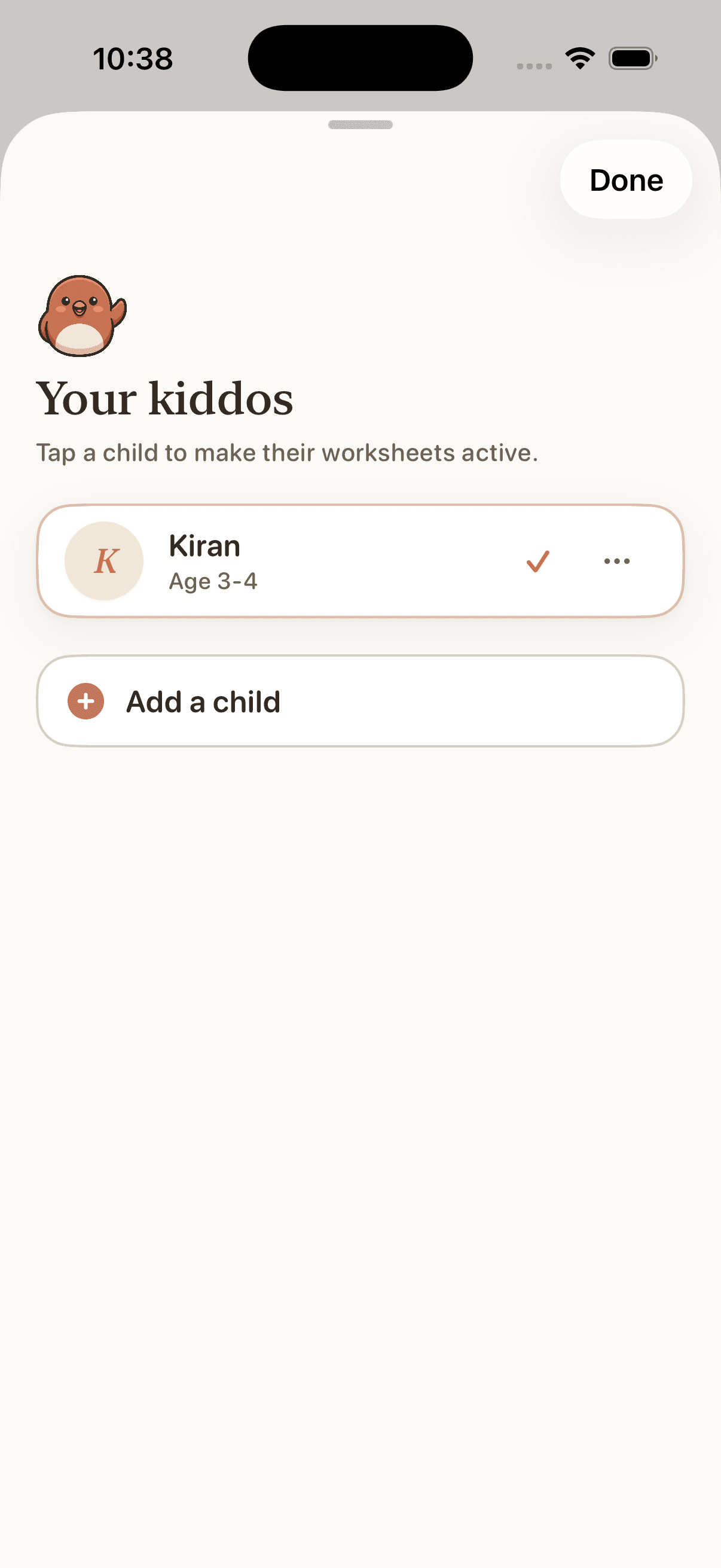
Add each kid with their age and what they love. Every worksheet comes back pitched to their level, with no settings to wrangle.
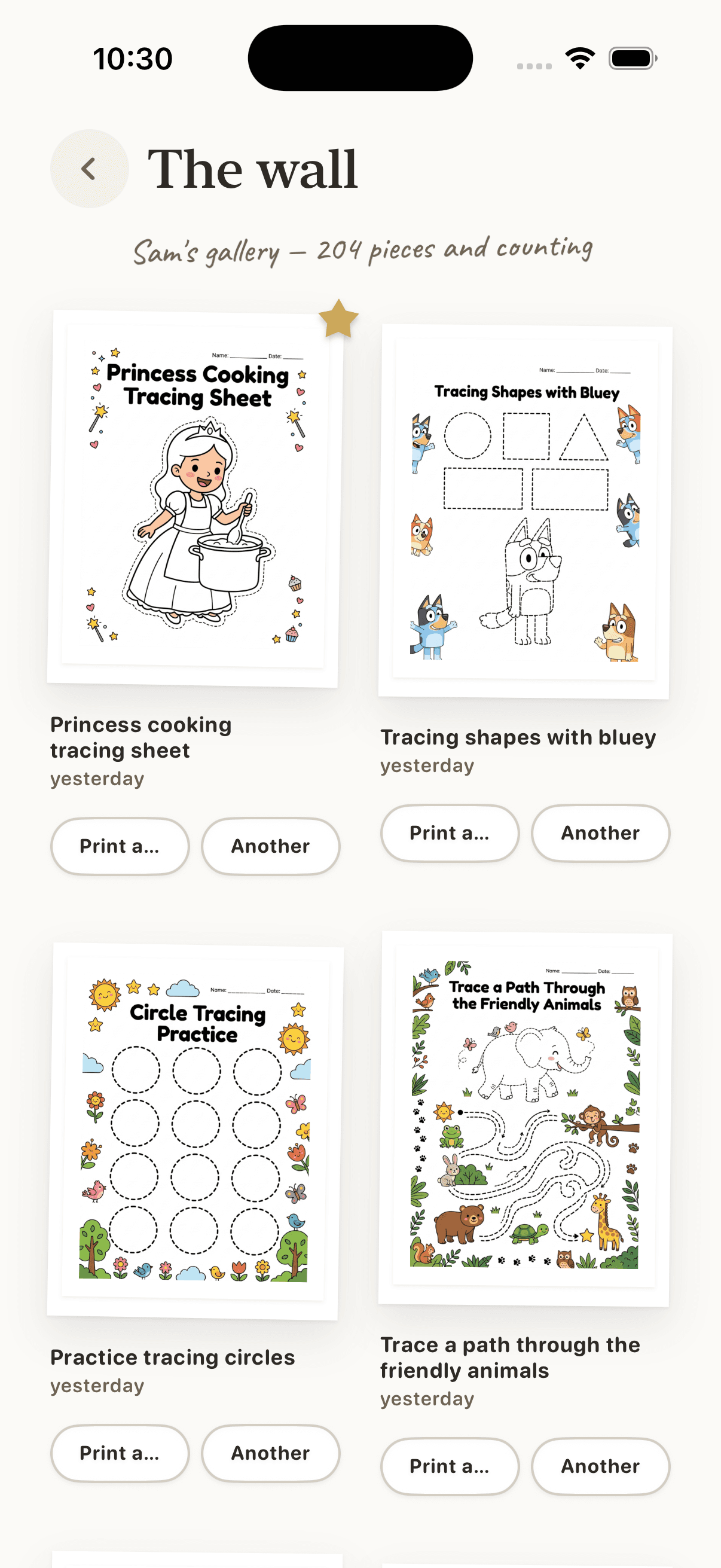
Pages you make land on the wall. Search, favourite, and reprint any of them in a tap. The gallery grows with your kid.
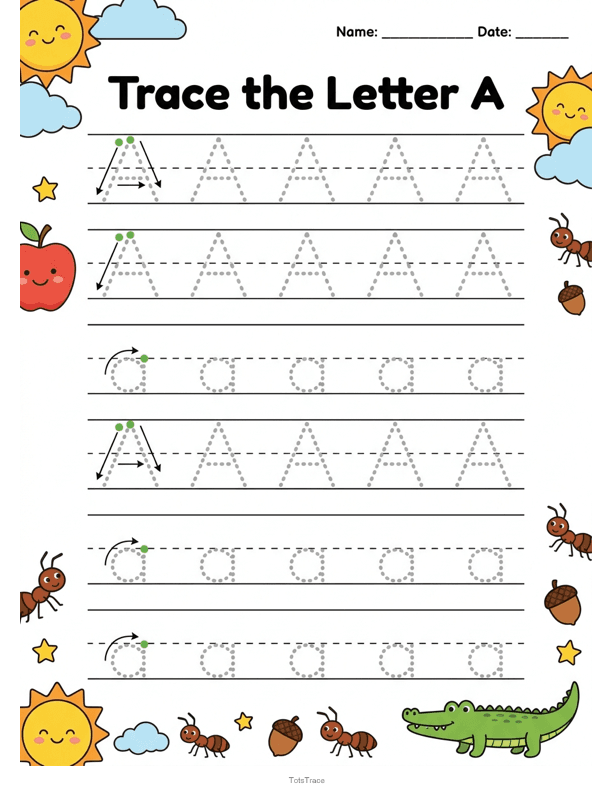
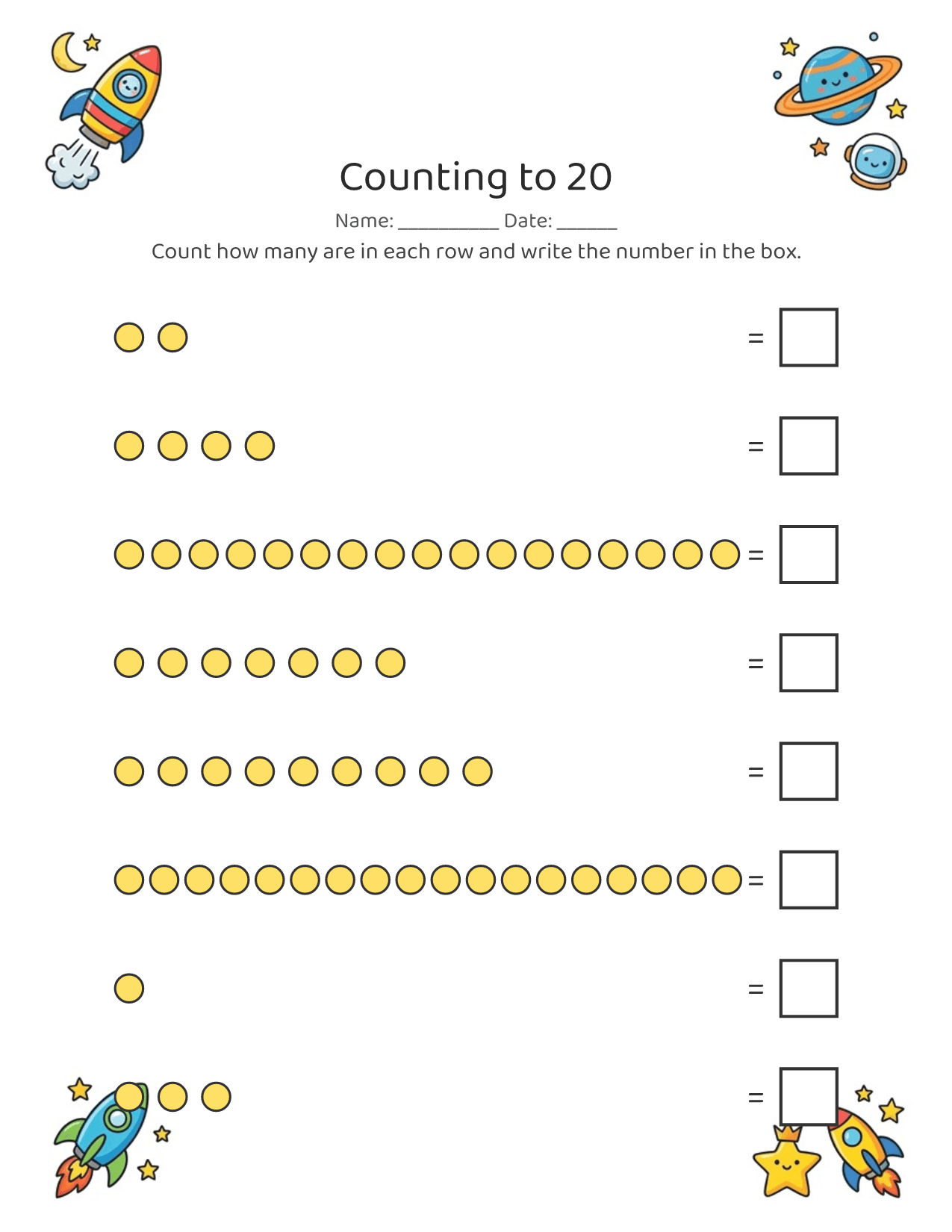
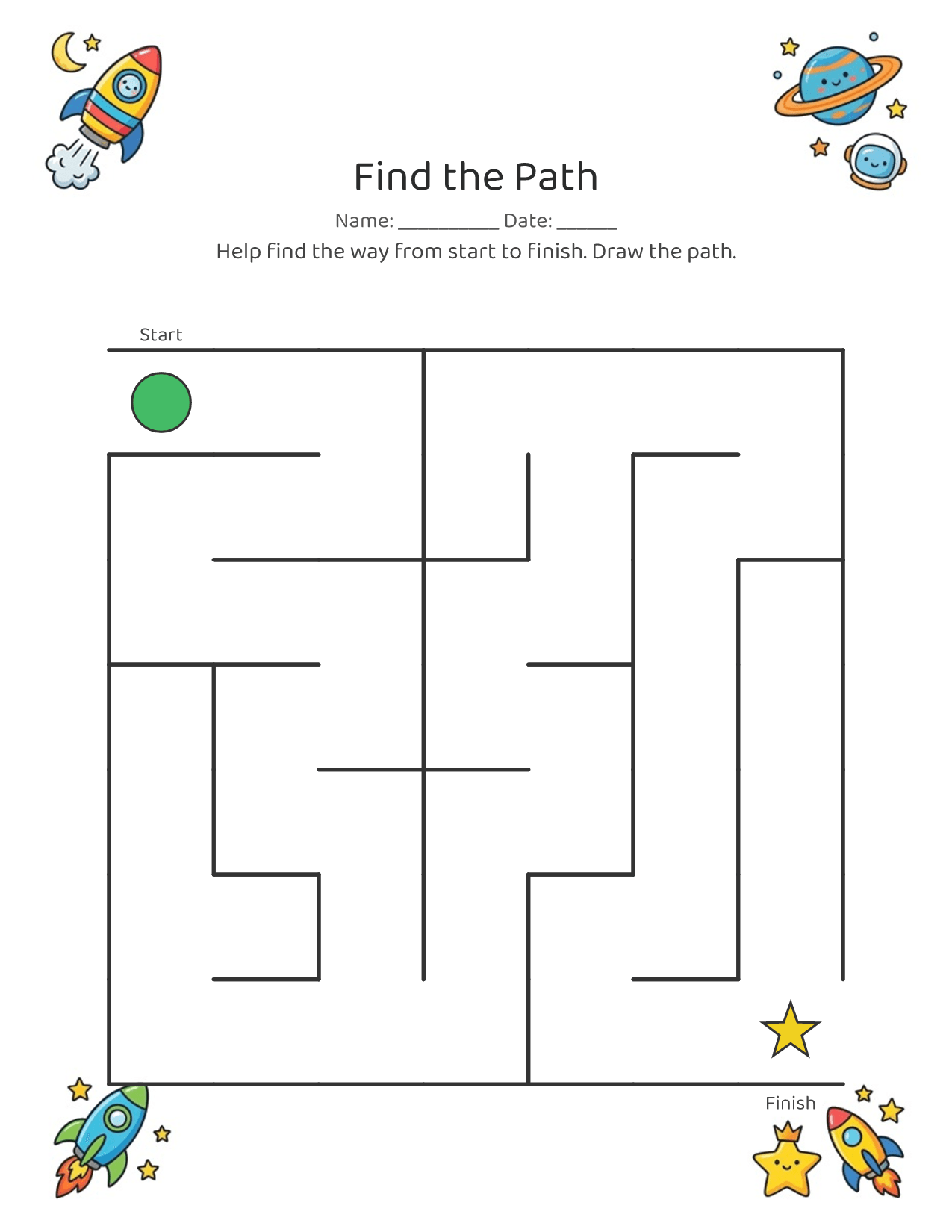
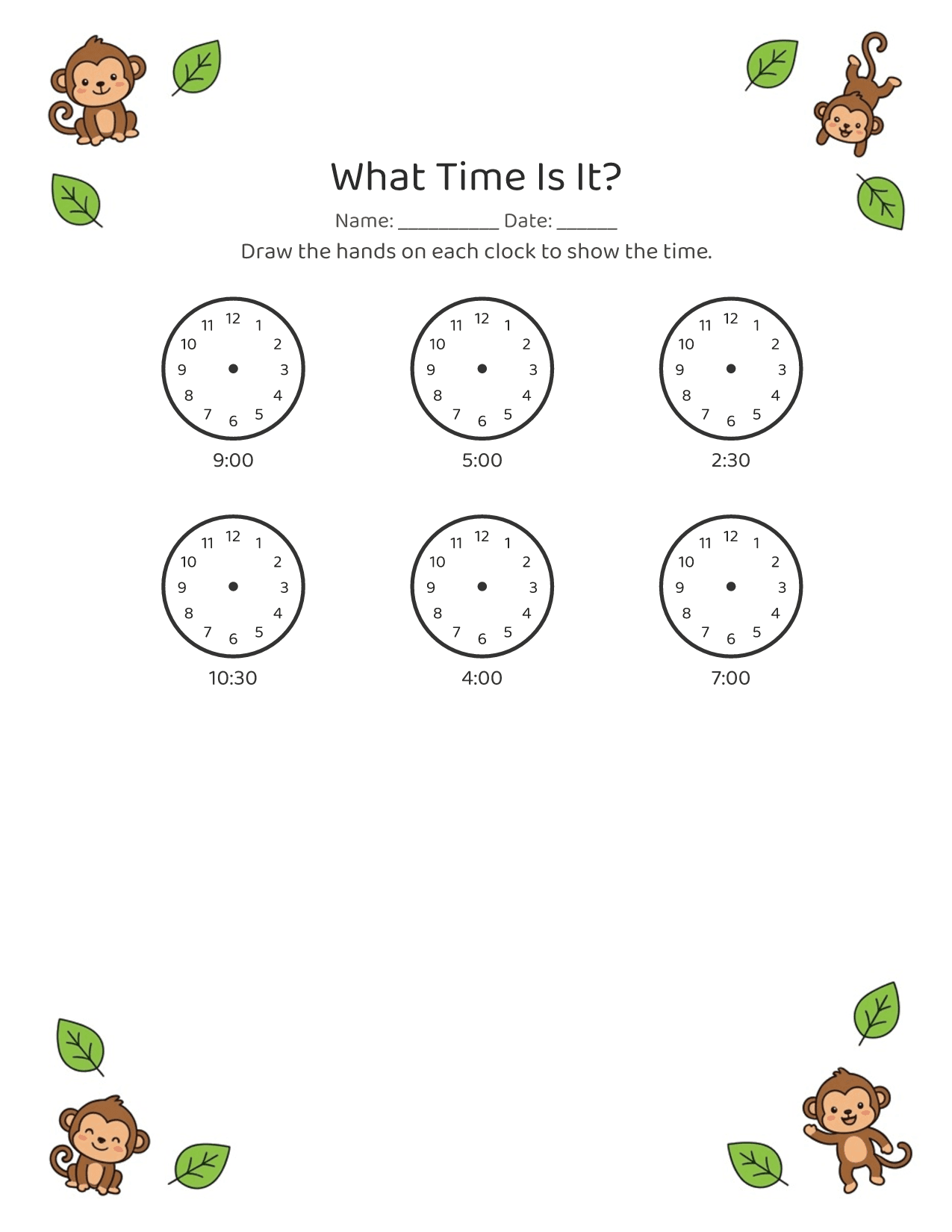
Du bist am Handy, wahrscheinlich mit einem Kind auf dem Arm. Worksheet Bird ist für diesen Moment gemacht: Beschreibe, was dein Kind gerade liebt, und erhalte eine saubere, druckfertige Seite in etwa 30 Sekunden. Keine Einrichtung, kein Konto, keine Lernkurve.
Toddlers and early learners, roughly ages 2 to 5. Pages are sized for little hands, with big letters, few items per row, and lots of room.
No. It's one line in, a printable page out. Type what you want (or tap a suggestion), tap generate, and you have a worksheet in about 30 seconds. No account, no setup, nothing to learn.
Free to download and try. Some features unlock via an App Store in-app purchase. See the App Store listing for current pricing.
Yes. Tracing and fine-motor activities build the hand control and pencil grip that handwriting needs, and letter and name tracing practices the letterforms directly.
Worksheet Bird makes printable black-and-white PDFs, so a home printer is the point. You can also save and share the PDF if you print elsewhere.
Yes, that's the whole idea. Ask for dinosaurs, trucks, the ocean, or your child's name, and the worksheet comes back themed for them.
iPhone only for now. Worksheet Bird is an iOS app, built for parents to use one-handed on their phone.
On the App Store, for iPhone. Tap "Download on the App Store" anywhere on this page.
Every screen answers one question: how fast to a printed worksheet? Under 30 seconds, one-handed.
No dashboards, no metrics. The printable page is the thing, in previews, history, everywhere.
Warm, concrete, a little playful. Made by a parent, for tired parents holding a kid.
Unter einer Minute von der Idee zur gedruckten Seite.