Motricité fine
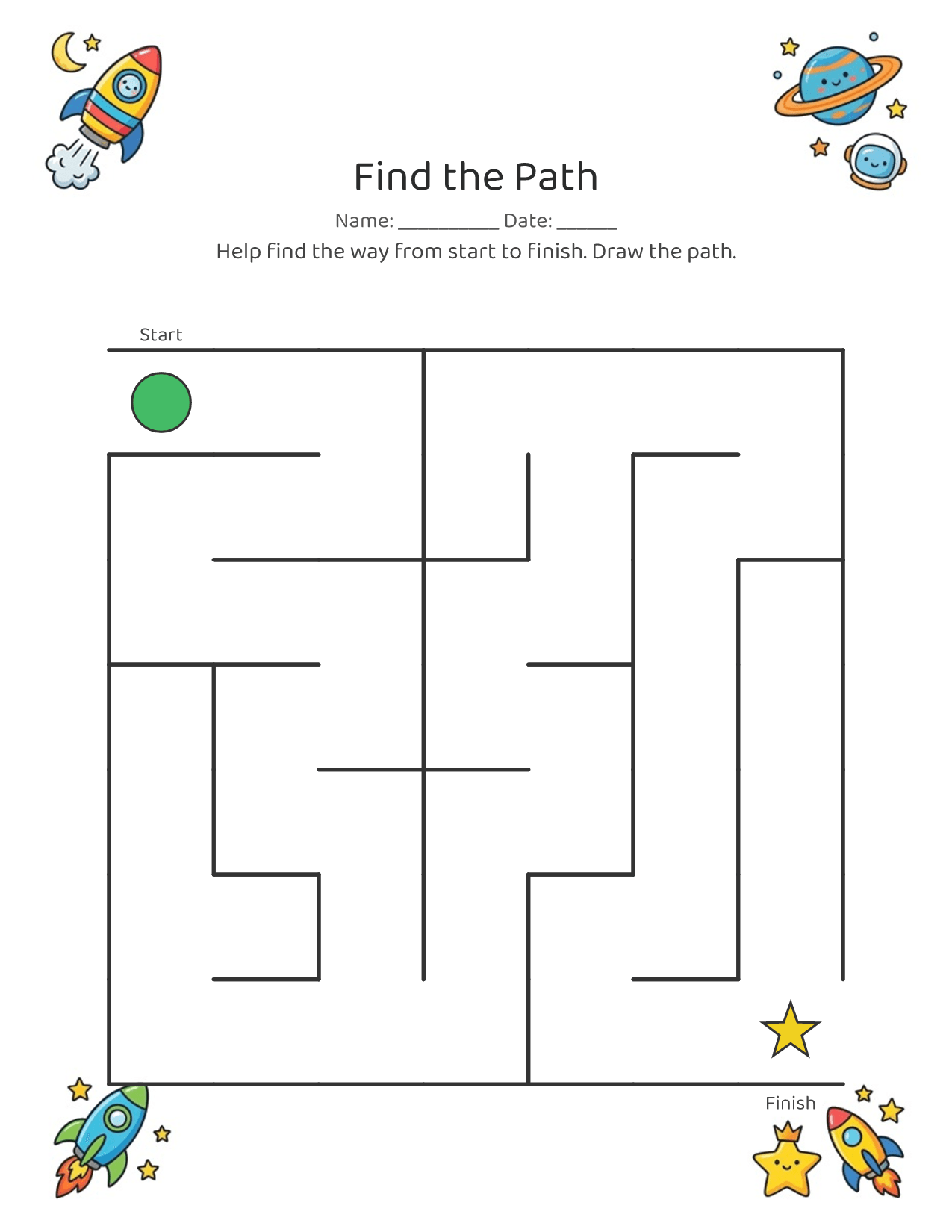
Le traçage, les labyrinthes et les points à relier renforcent les petits muscles de la main nécessaires pour tenir un crayon.
Décrivez n’importe quelle idée, de son prénom aux dinosaures ou à l’espace. Imprimez-la en quelques secondes. Gratuit à essayer.
Décris-la. Imprime-la. Terminé.

Téléchargement gratuit · Sans compte
Chaque page est conçue pour aider votre enfant à grandir, pas seulement à s’occuper.
Le traçage, les labyrinthes et les points à relier renforcent les petits muscles de la main nécessaires pour tenir un crayon.
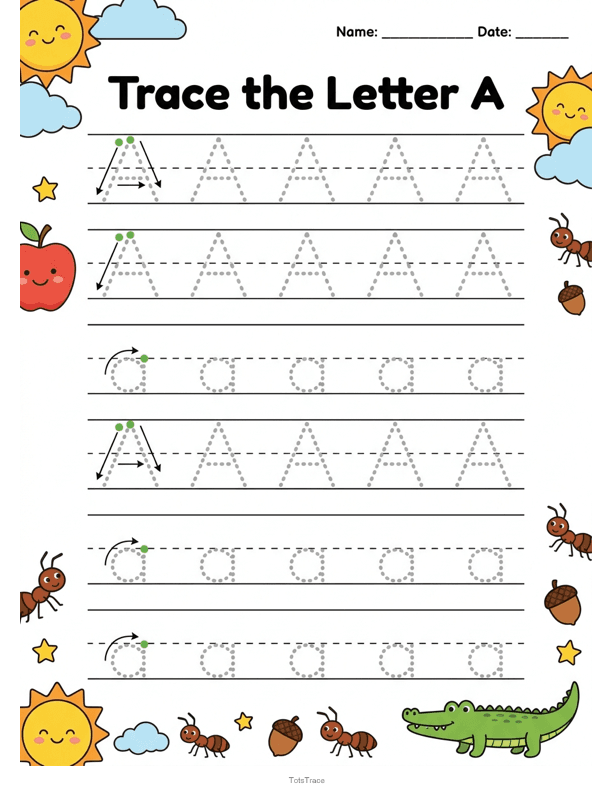
Tracer les lettres et le prénom construit une vraie écriture, un trait sûr à la fois.
Sur le thème que votre enfant adore, comme les dinosaures, les camions et l’espace, pour que s’exercer ressemble à un jeu.
Adapté à son âge et à ses intérêts, pour qu’il ait vraiment envie de s’y mettre.
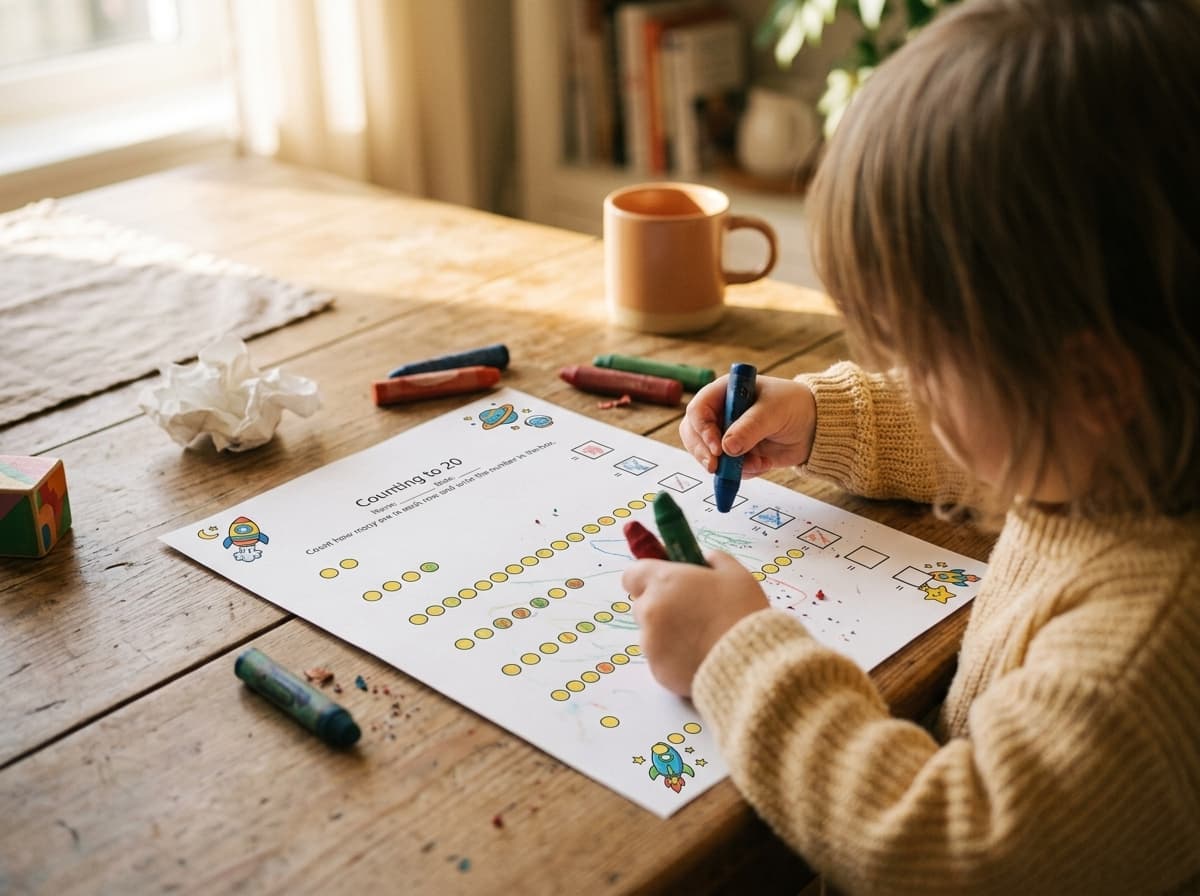
These are pages kids actually sit down with, crayons out, at the kitchen table. Describe what your child loves, print it, and it goes straight onto paper they want to work on.
Aucune configuration, aucun compte, aucune prise en main.
~30 secondes, du début à la finTapez une idée en une ligne comme « tracer le prénom de Mia » ou « compter les dinosaures jusqu’à 5 », ou touchez une suggestion.
Un seul geste. Worksheet Bird en fait une page propre en noir et blanc, à la bonne taille pour les petites mains.
Imprimez à la maison et donnez-la. De l’idée au papier en moins de 30 secondes, d’une seule main.
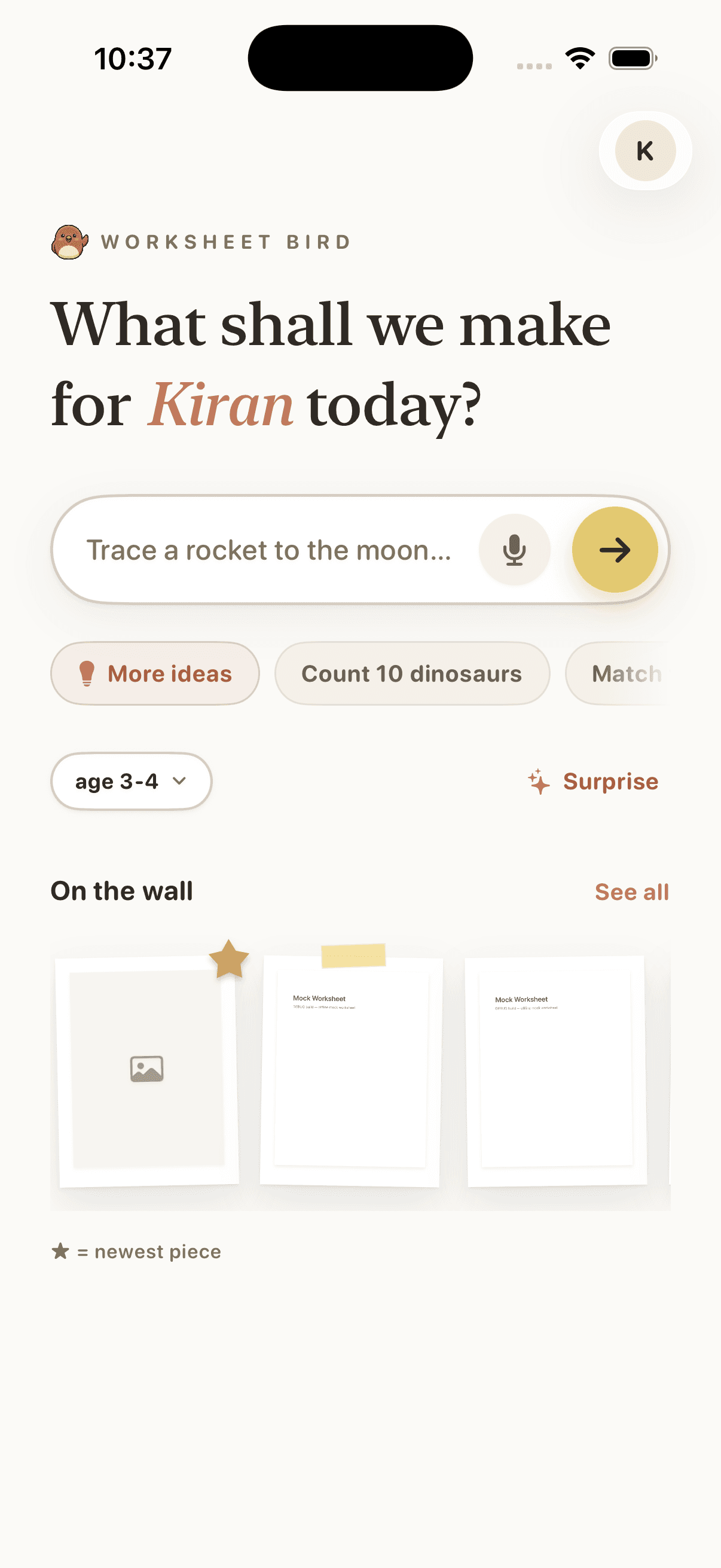
Type a one-line idea, or tap a suggestion, and Worksheet Bird builds the page. The home screen is the whole interface.
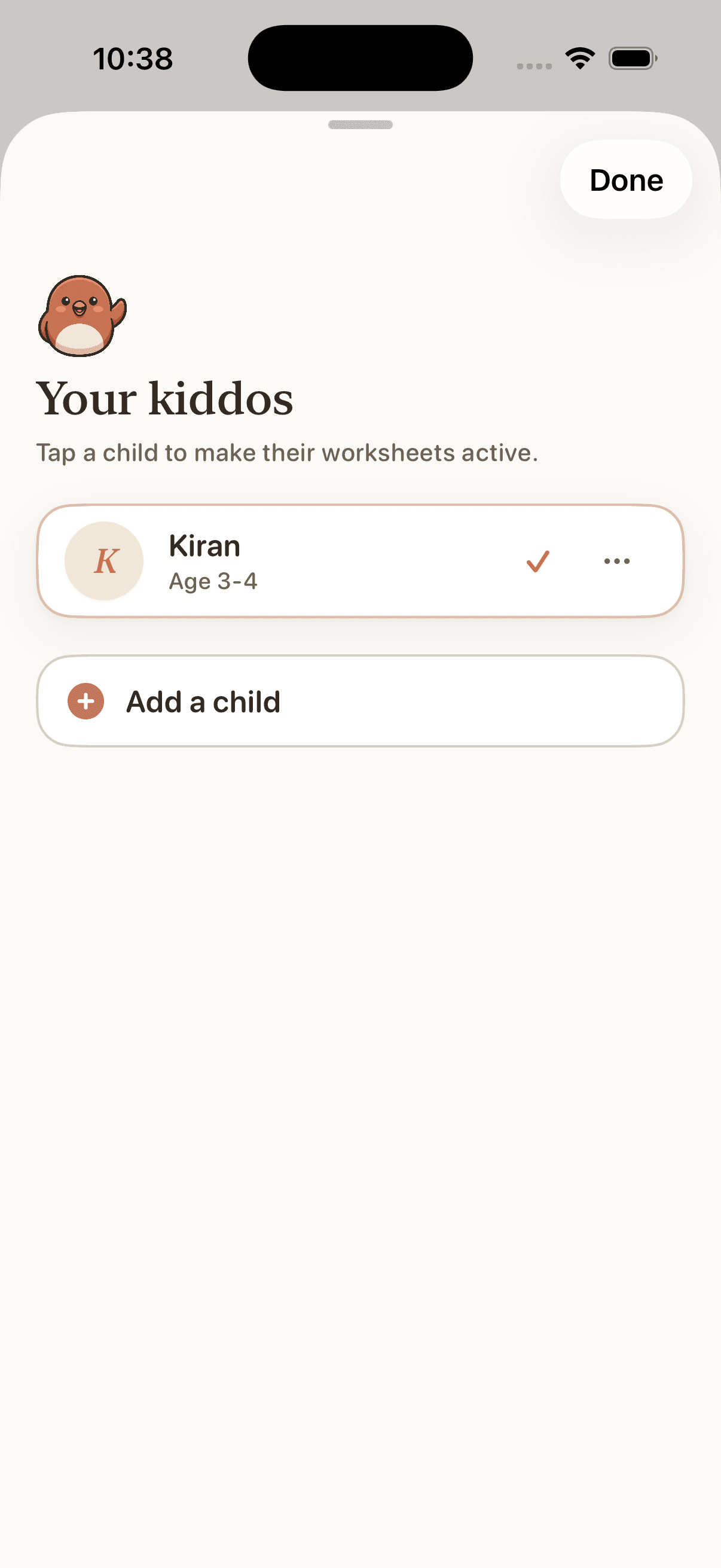
Add each kid with their age and what they love. Every worksheet comes back pitched to their level, with no settings to wrangle.
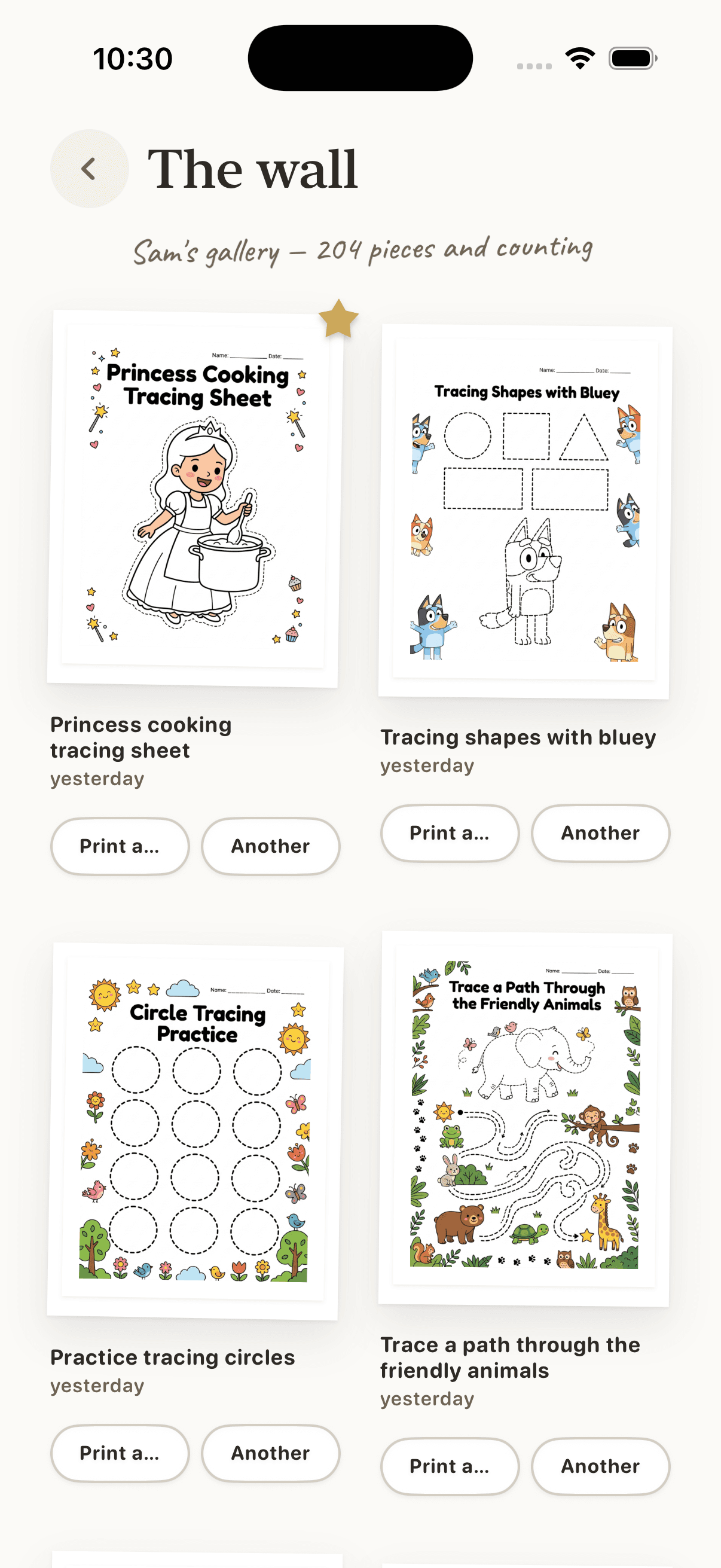
Pages you make land on the wall. Search, favourite, and reprint any of them in a tap. The gallery grows with your kid.
Vous êtes sur votre téléphone, sans doute un enfant dans les bras. Worksheet Bird est fait pour ce moment : décrivez ce que votre enfant aime, et obtenez une page propre, prête à imprimer, en environ 30 secondes. Aucune configuration, aucun compte, aucune prise en main.
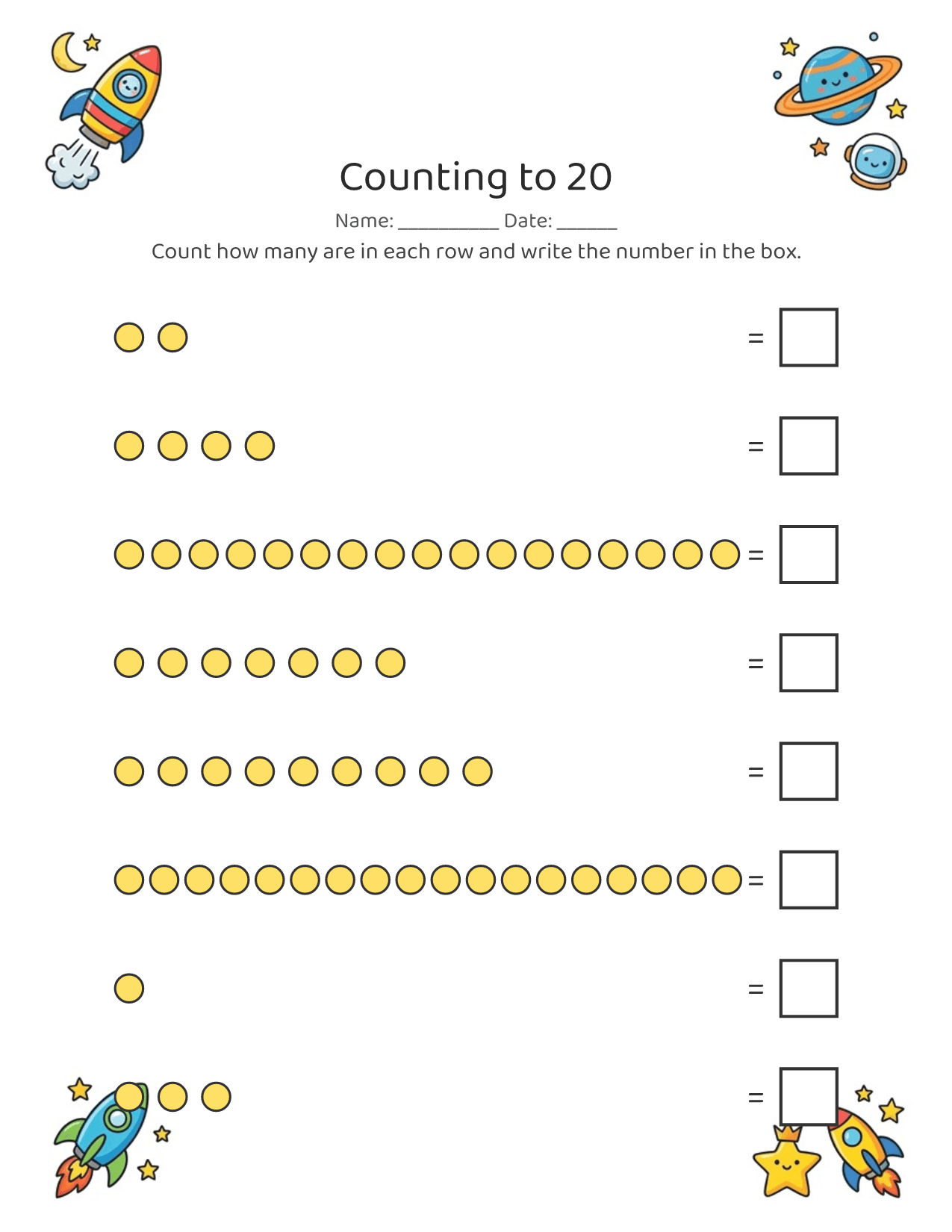
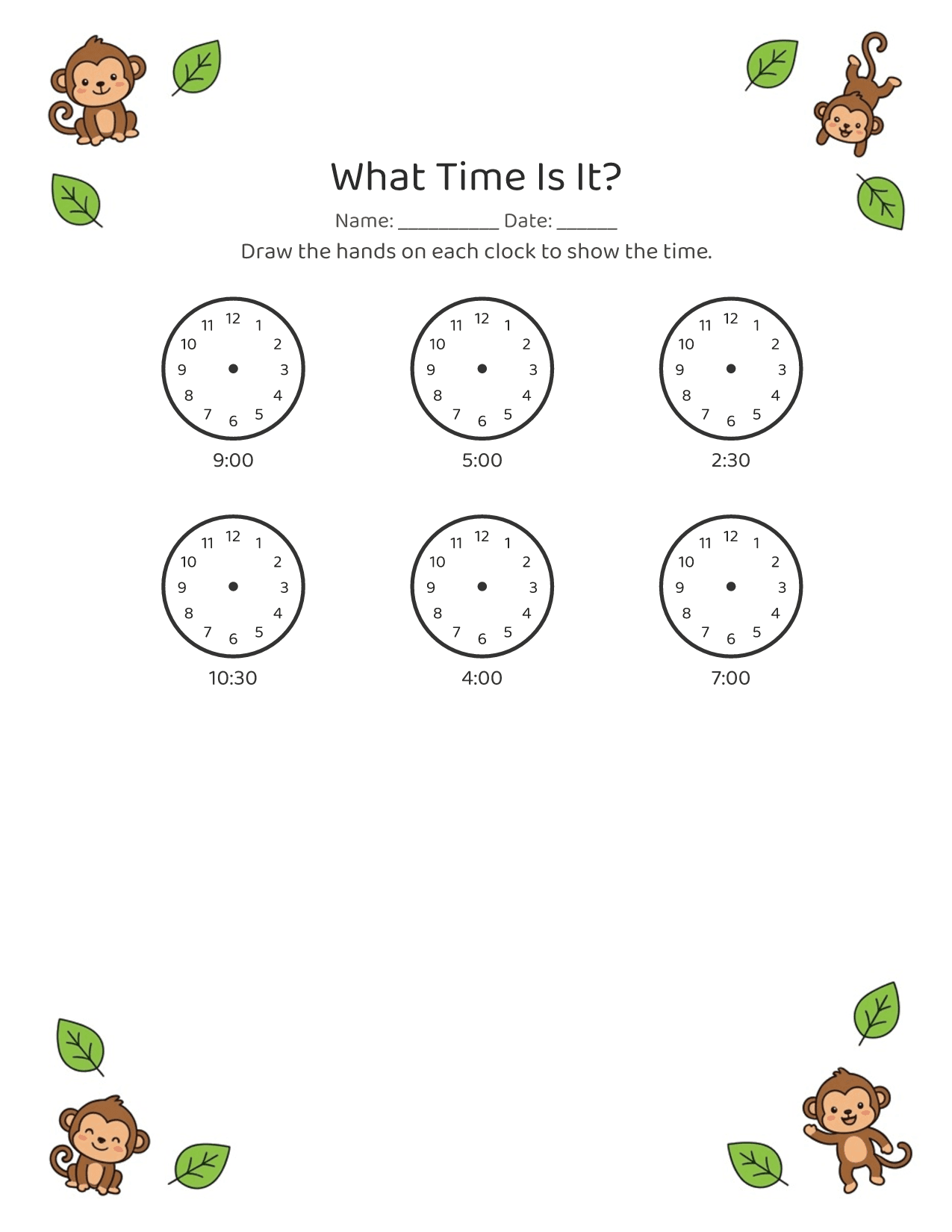
Toddlers and early learners, roughly ages 2 to 5. Pages are sized for little hands, with big letters, few items per row, and lots of room.
No. It's one line in, a printable page out. Type what you want (or tap a suggestion), tap generate, and you have a worksheet in about 30 seconds. No account, no setup, nothing to learn.
Free to download and try. Some features unlock via an App Store in-app purchase. See the App Store listing for current pricing.
Yes. Tracing and fine-motor activities build the hand control and pencil grip that handwriting needs, and letter and name tracing practices the letterforms directly.
Worksheet Bird makes printable black-and-white PDFs, so a home printer is the point. You can also save and share the PDF if you print elsewhere.
Yes, that's the whole idea. Ask for dinosaurs, trucks, the ocean, or your child's name, and the worksheet comes back themed for them.
iPhone only for now. Worksheet Bird is an iOS app, built for parents to use one-handed on their phone.
On the App Store, for iPhone. Tap "Download on the App Store" anywhere on this page.
Every screen answers one question: how fast to a printed worksheet? Under 30 seconds, one-handed.
No dashboards, no metrics. The printable page is the thing, in previews, history, everywhere.
Warm, concrete, a little playful. Made by a parent, for tired parents holding a kid.
Moins d’une minute de l’idée à la page imprimée.