Motricità fine
Tracciare, labirinti e unisci i puntini rafforzano i piccoli muscoli della mano che servono per tenere la matita.
Descrivi qualsiasi idea, dal suo nome ai dinosauri o allo spazio. Stampala in pochi secondi. Gratis da provare.
Descrivila. Stampala. Fatto.

Scarica gratis · Senza account
Ogni pagina è pensata per far crescere il tuo bambino, non solo per tenerlo occupato.
Tracciare, labirinti e unisci i puntini rafforzano i piccoli muscoli della mano che servono per tenere la matita.
Tracciare lettere e il nome costruisce una scrittura vera, un tratto sicuro alla volta.
Sul tema che il tuo bambino ama, come dinosauri, camion e spazio, così esercitarsi sembra un gioco.
Calibrato sulla sua età e sui suoi interessi, così ha davvero voglia di mettersi a farlo.
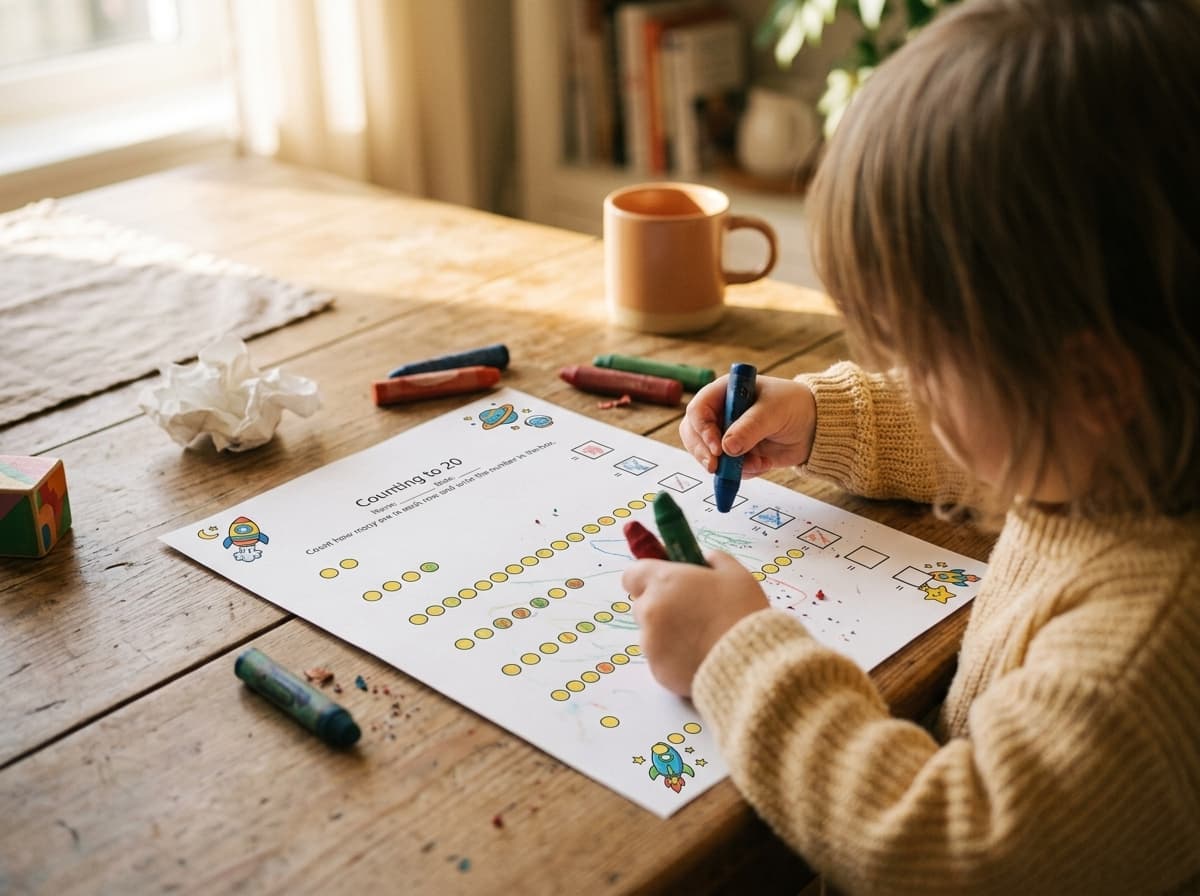
These are pages kids actually sit down with, crayons out, at the kitchen table. Describe what your child loves, print it, and it goes straight onto paper they want to work on.
Nessuna configurazione, nessun account, nessuna curva di apprendimento.
~30 secondi, dall’inizio alla fineScrivi un’idea in una riga come “tracciare il nome di Mia” o “contare i dinosauri fino a 5”, oppure tocca un suggerimento pronto.
Un tocco. Worksheet Bird la trasforma in una pagina pulita in bianco e nero, della giusta dimensione per le manine.
Stampa a casa e consegnala. Dall’idea alla carta in meno di 30 secondi, con una mano sola.
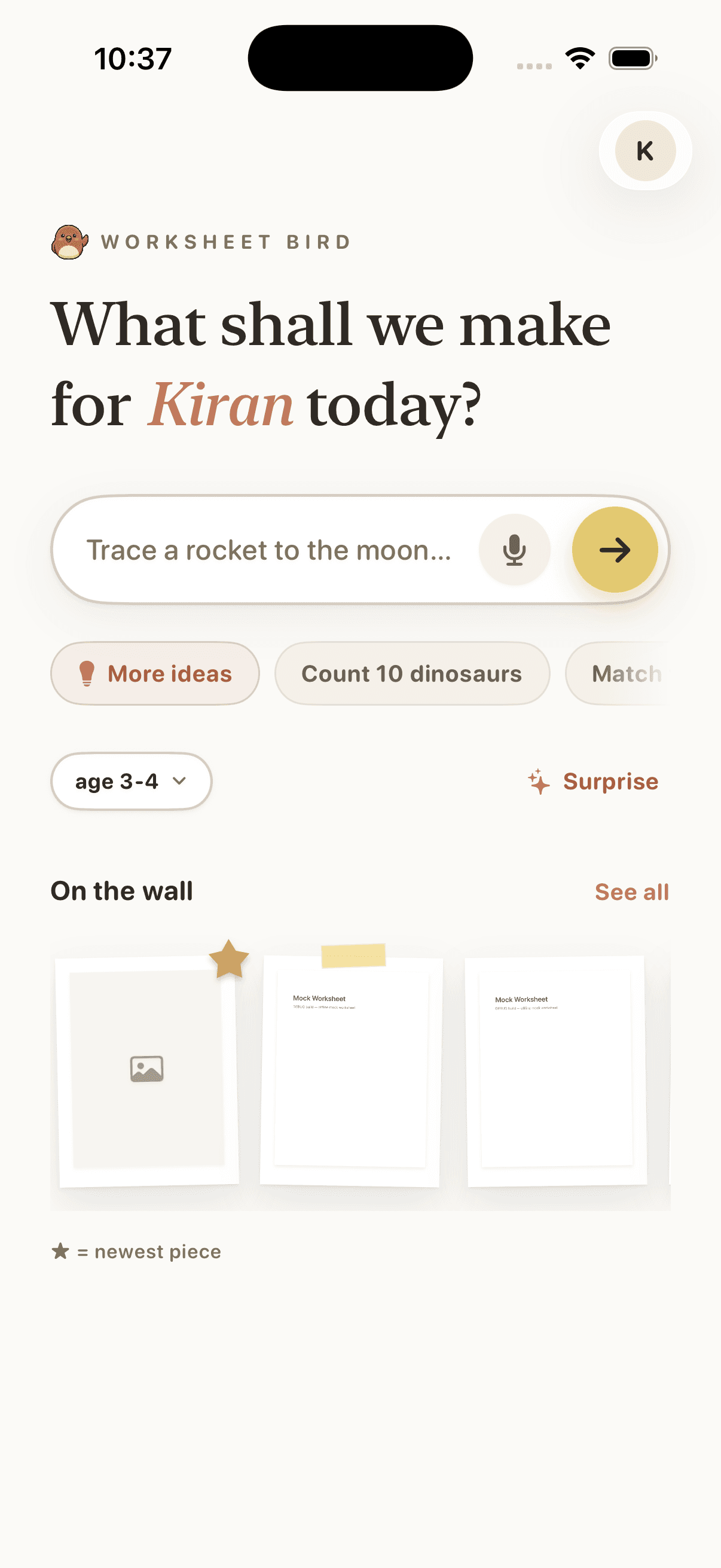
Type a one-line idea, or tap a suggestion, and Worksheet Bird builds the page. The home screen is the whole interface.
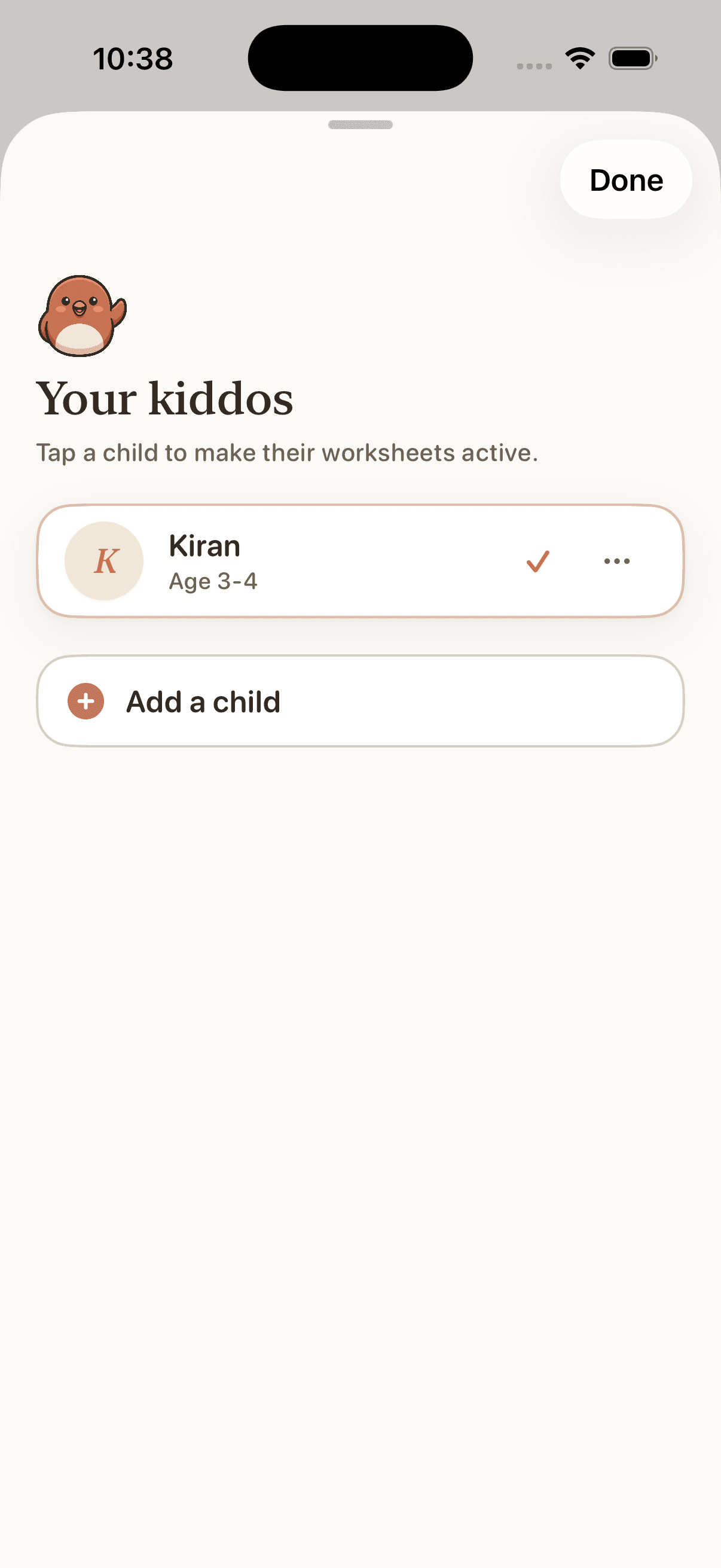
Add each kid with their age and what they love. Every worksheet comes back pitched to their level, with no settings to wrangle.
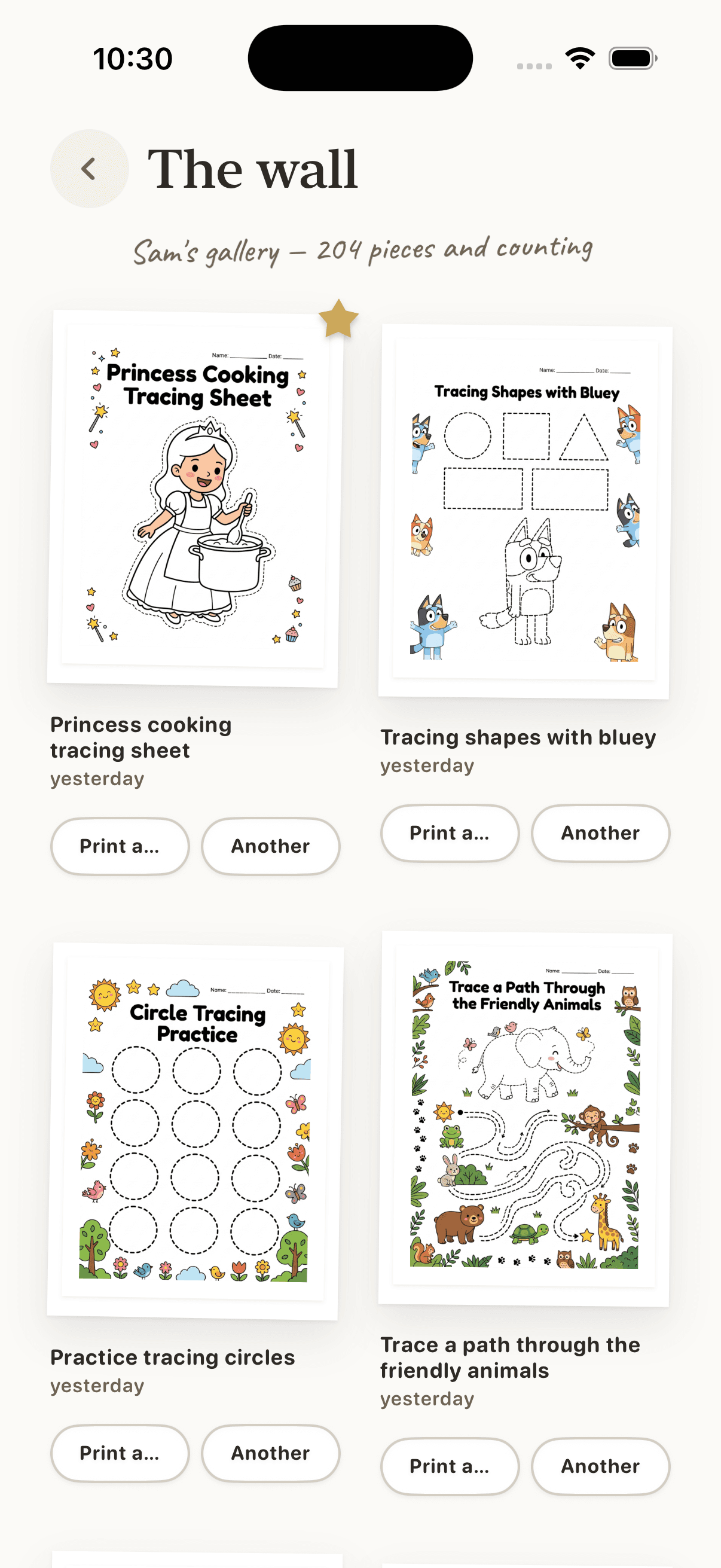
Pages you make land on the wall. Search, favourite, and reprint any of them in a tap. The gallery grows with your kid.
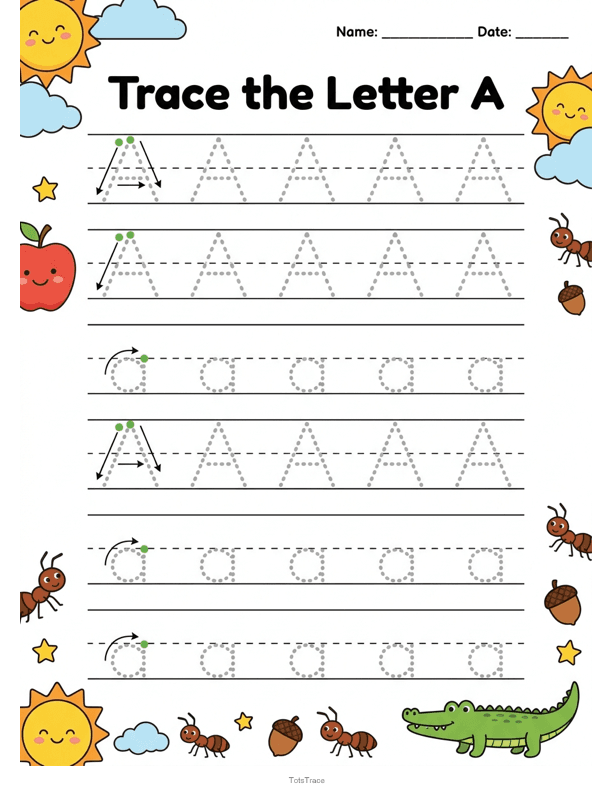
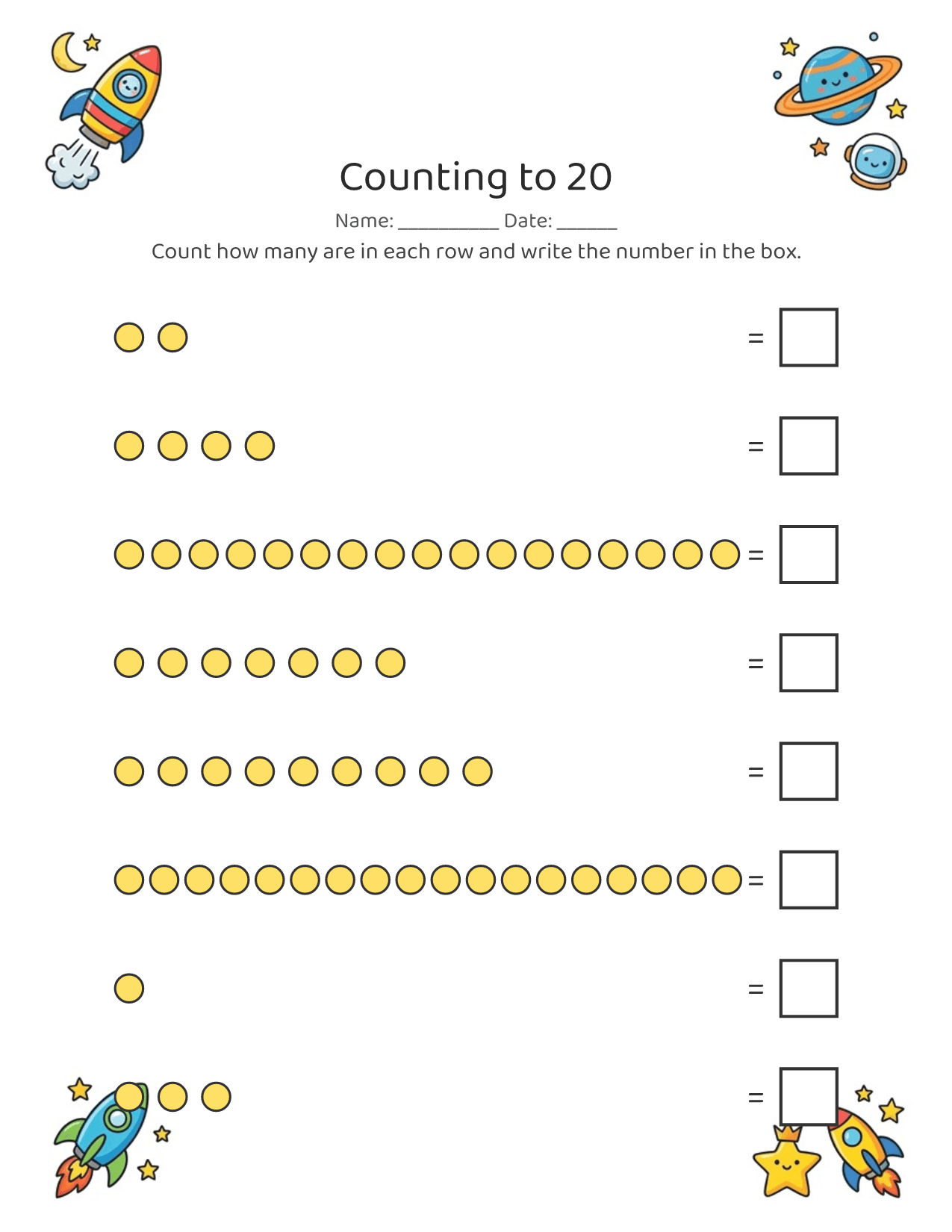
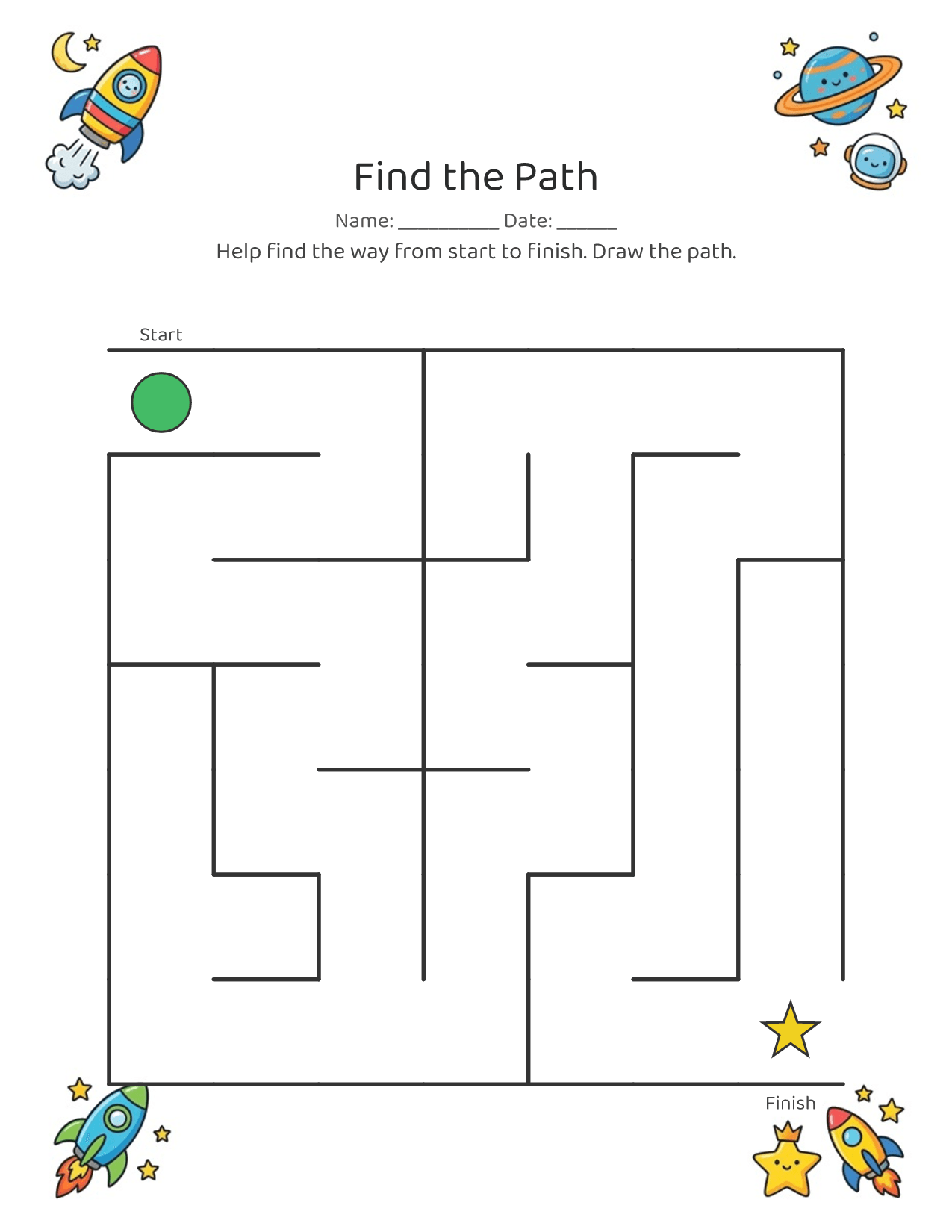
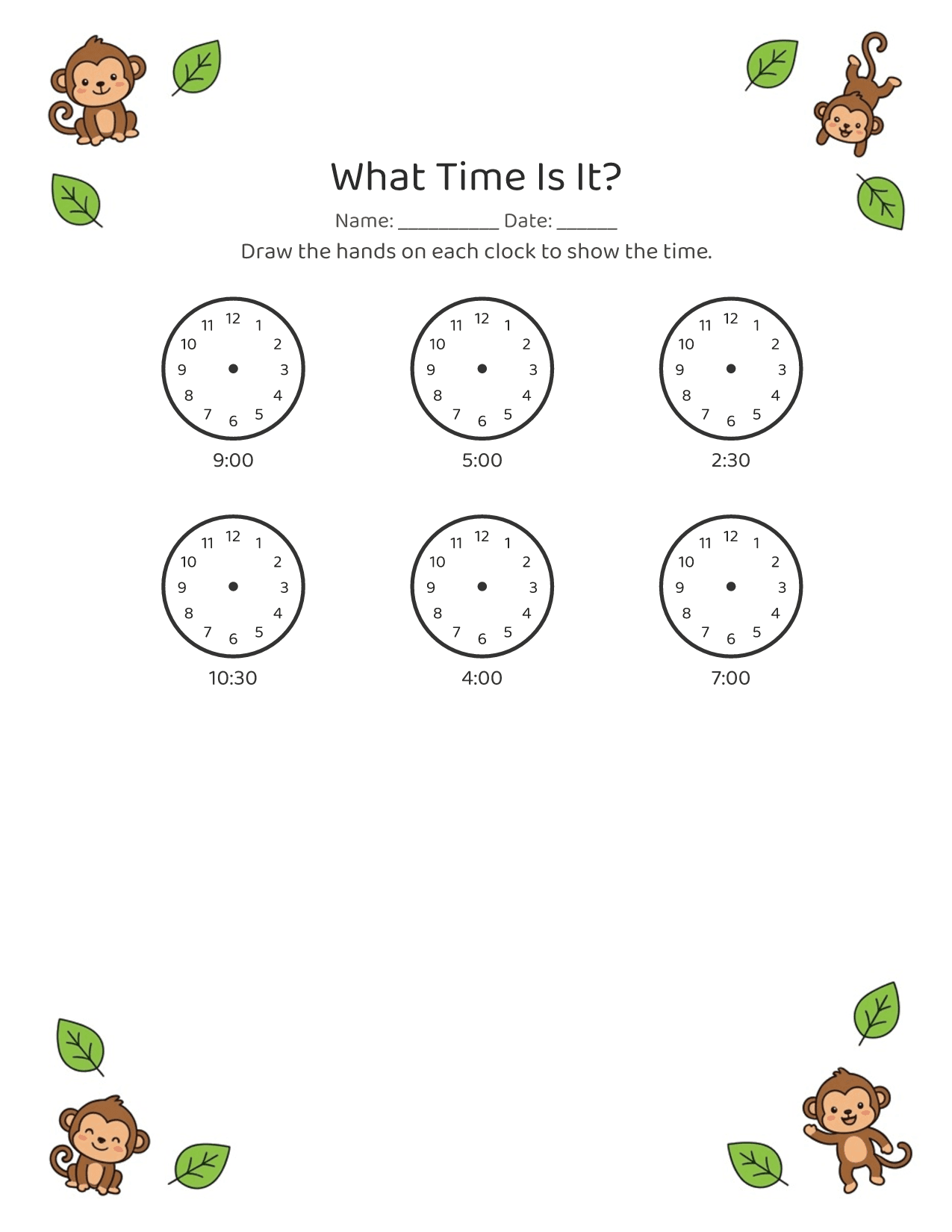
Sei al telefono, probabilmente con un bambino in braccio. Worksheet Bird è fatto per quel momento: descrivi ciò che il tuo bambino ama adesso e ottieni una pagina pulita, pronta da stampare, in circa 30 secondi. Nessuna configurazione, nessun account, nessuna curva di apprendimento.
Toddlers and early learners, roughly ages 2 to 5. Pages are sized for little hands, with big letters, few items per row, and lots of room.
No. It's one line in, a printable page out. Type what you want (or tap a suggestion), tap generate, and you have a worksheet in about 30 seconds. No account, no setup, nothing to learn.
Free to download and try. Some features unlock via an App Store in-app purchase. See the App Store listing for current pricing.
Yes. Tracing and fine-motor activities build the hand control and pencil grip that handwriting needs, and letter and name tracing practices the letterforms directly.
Worksheet Bird makes printable black-and-white PDFs, so a home printer is the point. You can also save and share the PDF if you print elsewhere.
Yes, that's the whole idea. Ask for dinosaurs, trucks, the ocean, or your child's name, and the worksheet comes back themed for them.
iPhone only for now. Worksheet Bird is an iOS app, built for parents to use one-handed on their phone.
On the App Store, for iPhone. Tap "Download on the App Store" anywhere on this page.
Every screen answers one question: how fast to a printed worksheet? Under 30 seconds, one-handed.
No dashboards, no metrics. The printable page is the thing, in previews, history, everywhere.
Warm, concrete, a little playful. Made by a parent, for tired parents holding a kid.
Meno di un minuto dall’idea alla pagina stampata.